
I spent several years and hundreds of dollars attempting to perfect the creation of 3D printed, Vewlix-inspired countercades. Originally based on a Game-Makers’ design, itself inspired by Taito’s Vewlix Japanese arcade cabinets, I meticulously modified my models over many months. Engineered for strength and ease of assembly, there are no longer any tiny screws to fool with; structural components slide together and cinch tight with cam-locks. A PC-style I/O plate allows for extensive customizability. Interior “sleeves” and magnetic panels organize and keep safe electronic components in the cramped, space-saving case. But rather than being the result of engineering brilliance, it all came together through a long process of trial and error.
Printing.
I printed the original Vewlix countercade cabinet nearly three times. The first time I printed it in PLA and partially put it together only to realize that the parts were all off-kilter. I abandoned the project for about a year. The following summer I reprinted the cabinet in its entirety. Before sanding, priming, and painting, I did a test fit to make sure everything lined up. It did and so I sanded, primed, and painted all of the parts. This time however, the pieces melted in the sun.
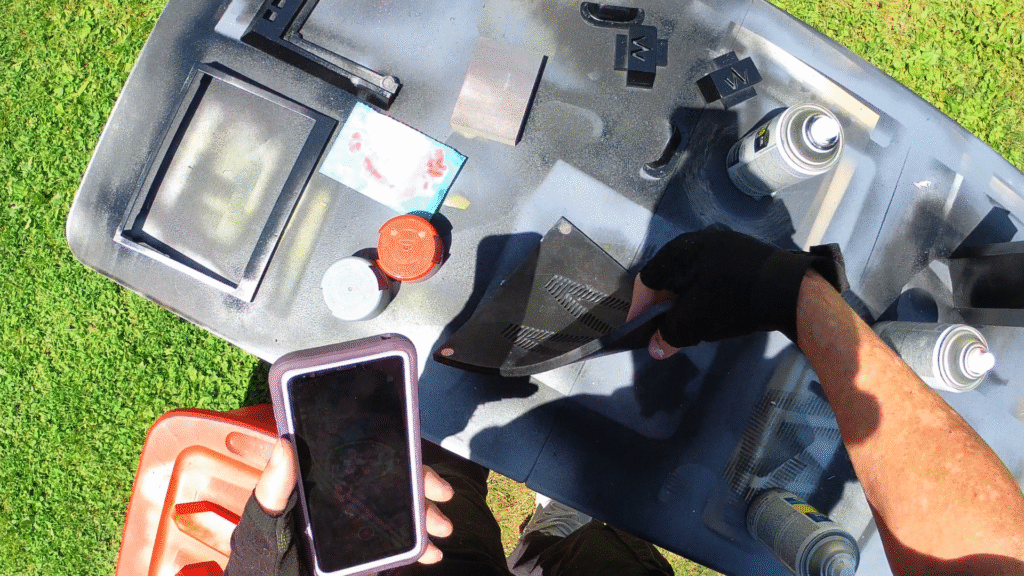
I have bike accessories made out of the same make and model PLA that have sat out in direct sunlight FOR YEARS that haven’t suffered ANY ill effects. I think Hatchbox has since changed its formula.
Reprinting.
So I reprinted the entire case a third time in ABS. ABS has a much higher melting point and can suffer silently sitting in the sun without wanton wilting and warping.
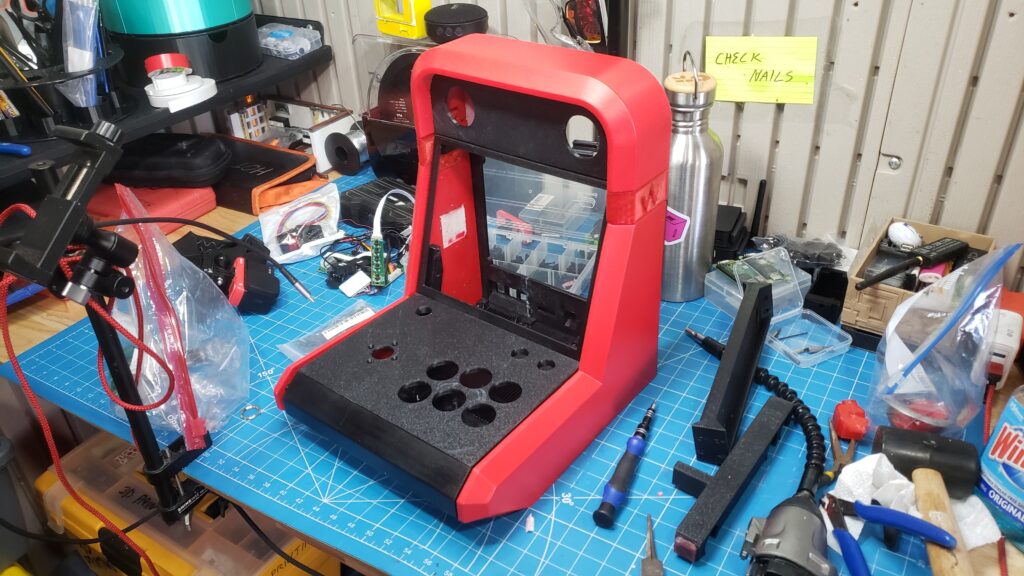
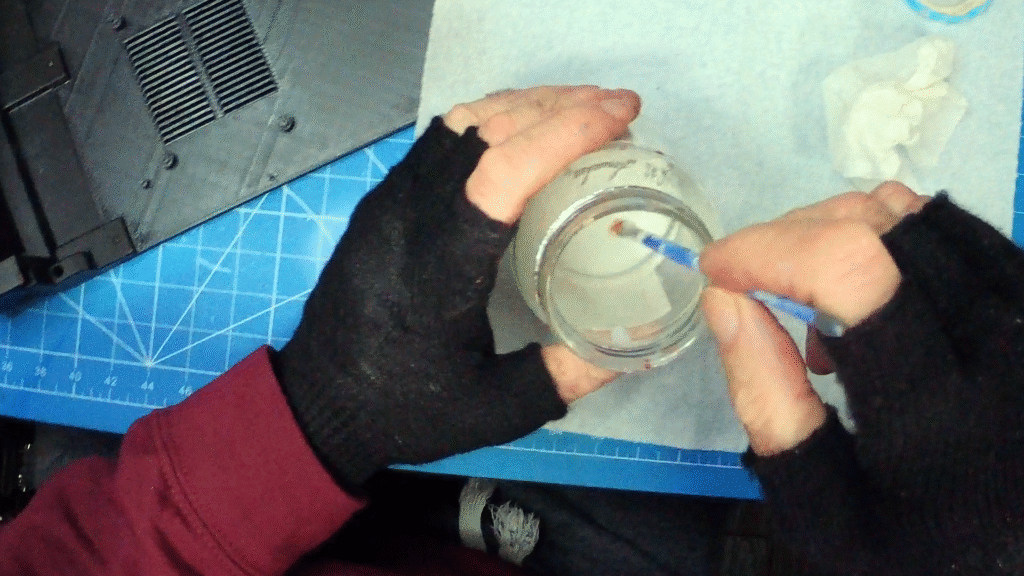
ABS has several drawbacks, however, notably toxic fumes, finicky printing with frequent failures, and rough, ugly prints. ABS requires a lot of post processing: sanding and priming isn’t sufficient, you have to do a lot of surface finishing. I experimented with two different approaches: 1. Using body filler and 2. creating an ABS slurry out of filament, scraps, and acetone. I improvised the ratio, aiming to develop a consistency similar to that of Elmer’s glue.
Surface Finishing.
The body filler went on uniformly but sanded unevenly. The ABS slurry went on in globs but sanded well. In the end, I think the ABS slurry technique was the most successful. Also, the glue version chemically welds pieces of ABS together and is far superior to other joinery chemicals, compounds, and techniques.
The results are pretty fantastic. For example, I had to print each of these panels in two pieces to fit on my Bambu labs P1P printer, but post-processing you can’t see the seam at all.
Painting.
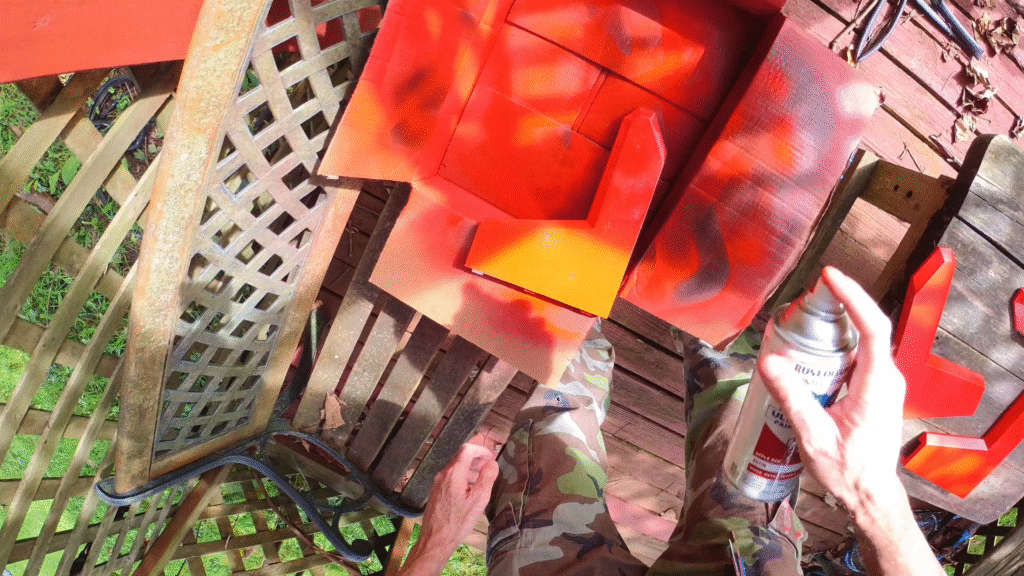
Early on I got locked into using Rust-Oleum Painter’s Touch 2X Ultra Cover Spray Paint, supposedly both paint and primer. This stuff actually eats away at ABS. In a side-by-side comparison you can see how the premium build plate texture has been chemically defaced.
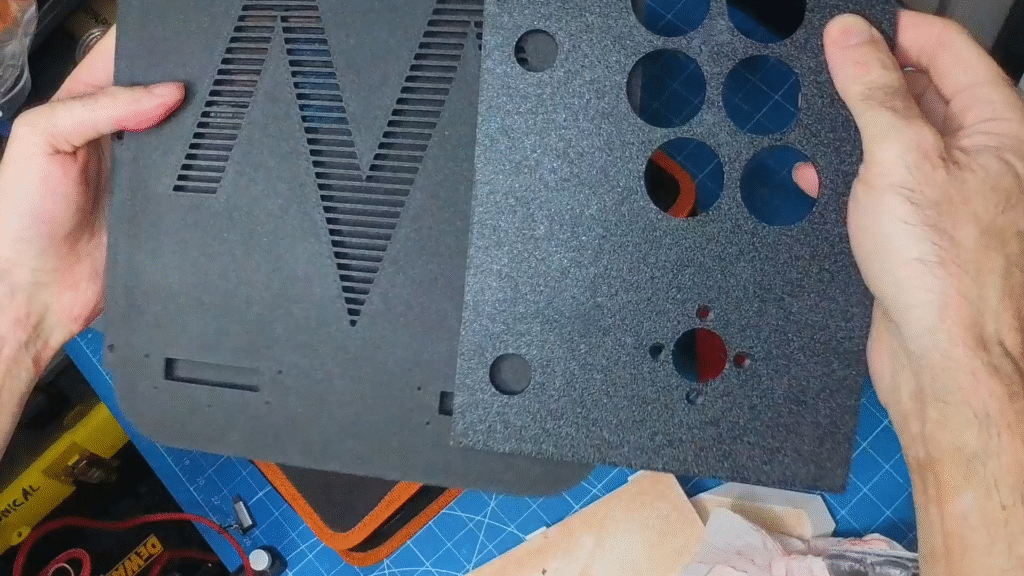
As a result, each piece needed about 8 rounds of painting and sanding to achieve decent results. If I had to do it over again I’d find a more suitable paint for plastics.
Assembly.
A whole lot of time went into thinking about how to best assemble the case. It’s engineered to use many tiny screws. The tiny screw heads strip immediately, making their installation more or less permanent without adding any actual structural integrity. So I spent a lot of time extracting the tiny screws and then instead glued the front, bottom and sides together. Screwing the top into place wasn’t an option but neither was gluing it since doing so would entombed the marquee header. I wanted everything to completely disassemble in the event of needed repairs. So I modded the existing header to accept Ikea-like Cam locks. It worked but didn’t cinch tight enough so I modified the model in CAD, printed it again, and the results were excellent!
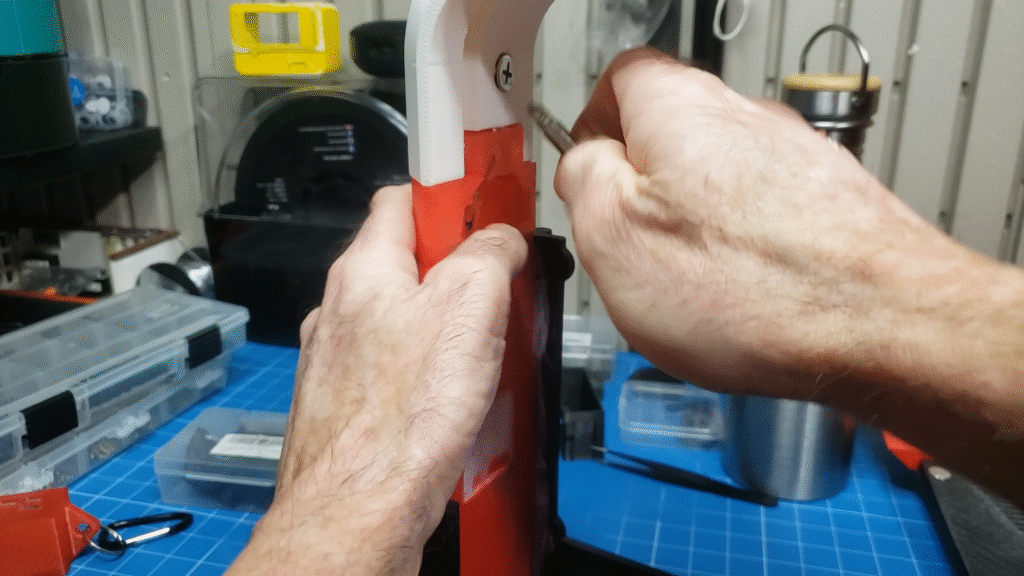
The speakers needed to be removable as well which meant using heat nut inserts. What I learned is that you have to engineer the pilot holes in CAD. If you try to simply drill the pilot holes into a print that has less than X amount of infill, there won’t be enough material to grip the nuts. When engineering the pilot holes, I find that a circumference that is only slightly less that that of the outer circumference of the nut works well. Too much material means that it gets all squished and fills the bottom of the nut hole, potentially jamming up the threads.
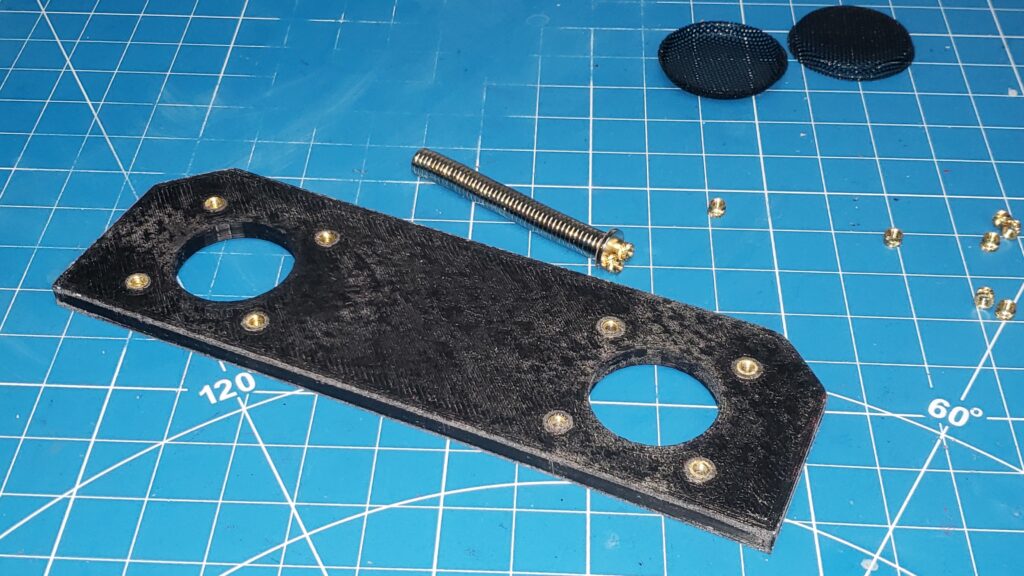
With the heat insert nut problem solved, I finished up the front of the marquee header. I installed the overlay, used JB weld to hold the speaker grills in place and 3D printed and painted speaker bezels. After carefully masking off the front I glued the speaker bezels into place using super glue. I don’t know if it’s apparent yet or not, but I hate screws. In fact, I modified the design so that instead of eighty eight gajillion tiny screws, the structure only needs 0 screws.
Eliminating all those screws meant that I had to constantly experiment with the control panel design. By this time, the weather had started to change. I don’t know if you’re familiar with Buffalo’s reputation, but it gets cold here.
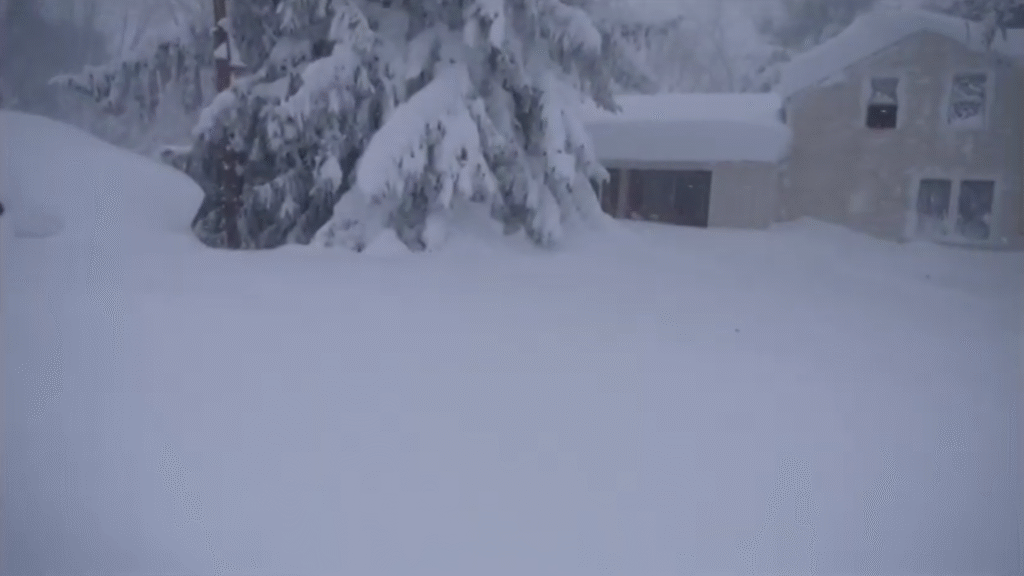
ABS requires a stable and moderate ambient temperature to print successfully. I tried to heat the printer enclosure but the space heater I use turns off and on to try and maintain a constant temperature. And even though the fluctuations weren’t wild, they were enough to ruin print after print. I had like 20 failed prints. I think I burned through an entire roll of ABS actually. Fortunately, we had a few more warm days and I was able to finish up one last control panel.
Control Panel Overlay.
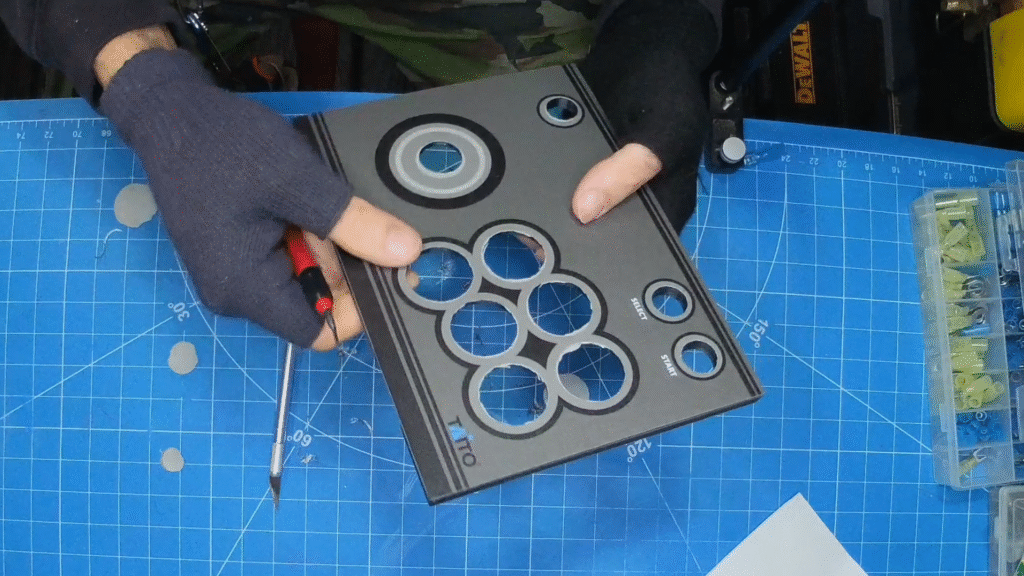
Speaking of ruining control panels, I ruined the control panel overlay I had custom printed. Not wanting to go even more broke ordering CP overlays, I experimented with printing my own at home. Remember this printer I got for the Radical Edward project?
For some reason there’s no one-button solution for printing something actual size. I had to install GIMP to do that. Also for awhile there, EVERY TIME I sent it a print it insisted I got up, went over, and manually confirmed the type of paper in the drawer. But that turned out to be Microsoft’s fault, not Canon’s. Also, laser printers can’t print on vinyl. So I printed on matte sticker paper and experimented hitting it with clear coat. Alternately I tried installing a clear vinyl overlay. Nothing really worked. Then I realized that the custom prints I was ordering *start* at $26. It’s hard to tell when the rates go up, but I realized that for what I need, I could get 4x as much printing done for only about $10 more. This would allow me to make 4x as many mistakes for not a lot more money. Would these four extra chances be enough to get it right? Mercifully, they were!
Lessons Learned.
So I learned a lot about printing ABS, surface finishing w/ slurry, paint suitability, using heat insert nuts, and made great strides in modifying the cabinet design such that it assembled more sensibly. What could have made this project fun enough to qualify as a hobby? Active ventilation on the printer enclosure, for one. Using a suitable paint would have shaved days off the work schedule. A better enclosure would have halved print times and cost. The most important funifying factor would have been if the cabinet was engineered for ease of assembly.
Redesign.
Here’s how it should assemble: the sides, front, and most importantly, the CP, should glue together to form a solid and sensible structure. Now you can easily access the control wiring harnesses from below and it’s still rock-solid. Similar to my Lian-Li PC 60 case (please watch this video it is starved for views: https://youtu.be/6mzwNHTy9PI), the bottom and back should slide into place and then lock with four cam locks. The header should get glued together and mount with two cam locks. As a result, the body only needs 0 sensibly sized screws for final assembly.
Wiring.
Wiring, which will feature in a separate post/video, seemed fraught. The guiding principal was that it’s not an arcade anything unless you can turn everything on with the press of a single button. The wiring was complicated and the case was cramped.
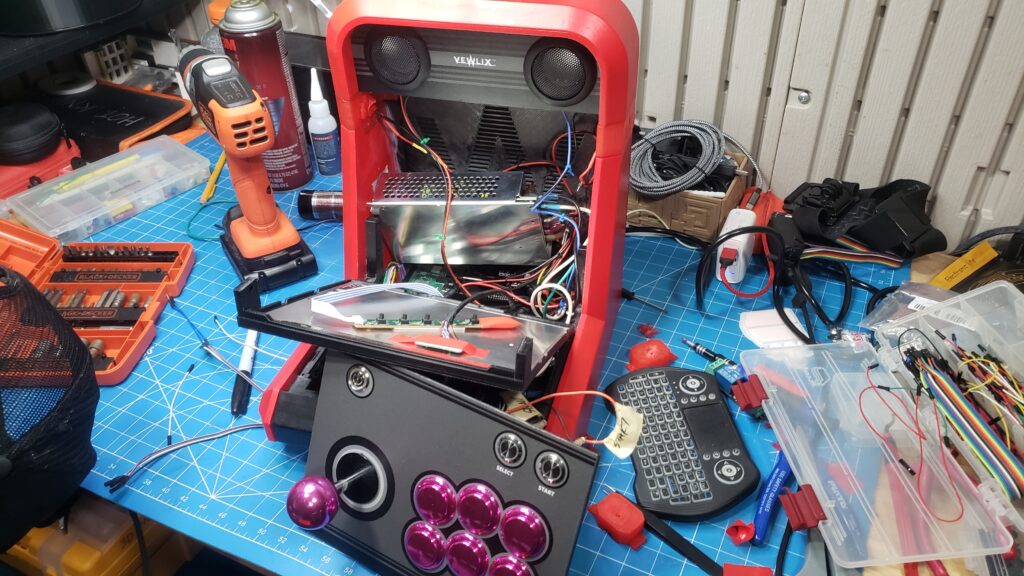
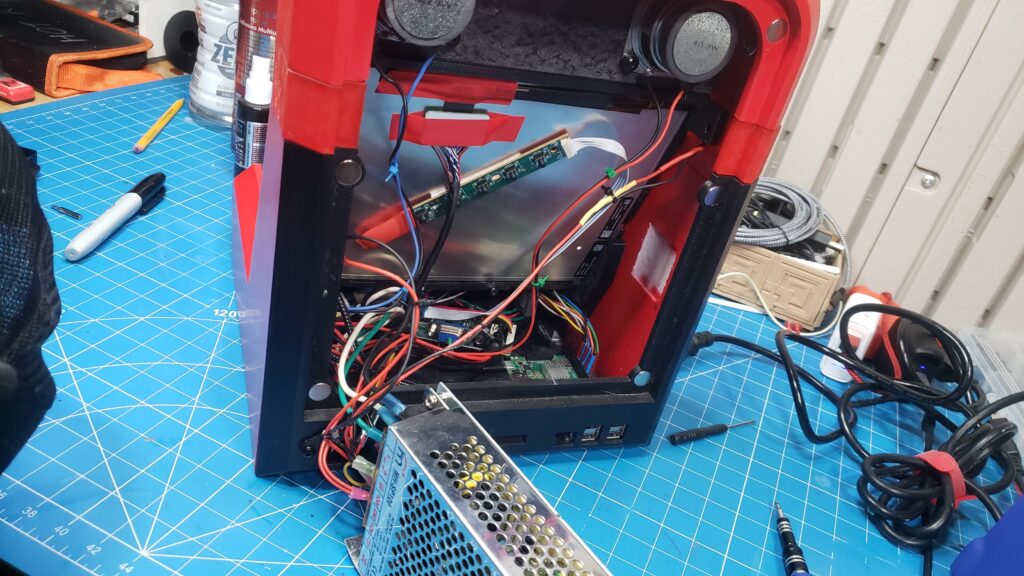
And yet, unlike most other aspects of the build, it worked perfectly on the first try! It looked gorgeous and I spent several hours playing video games on it in celebration!
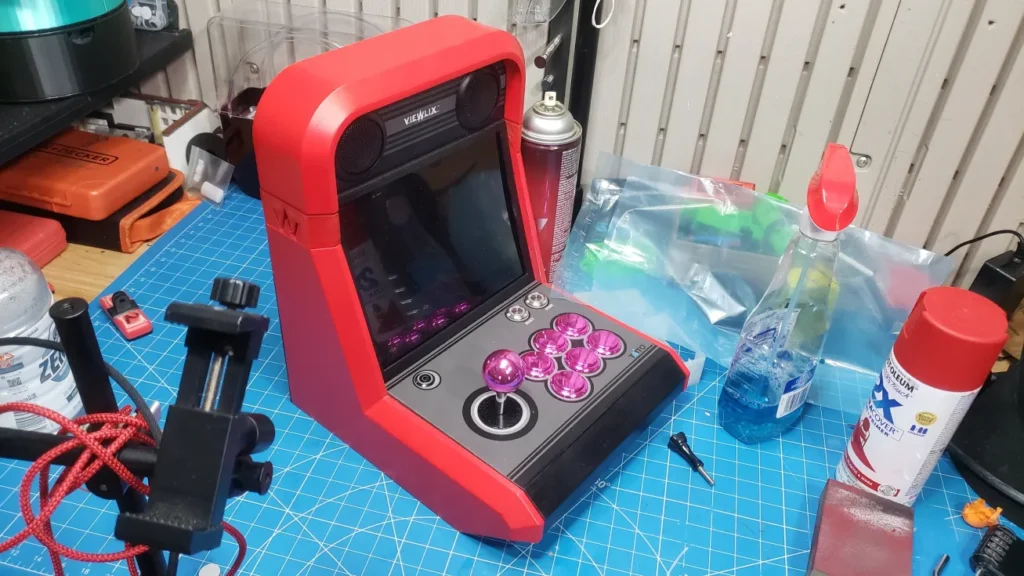
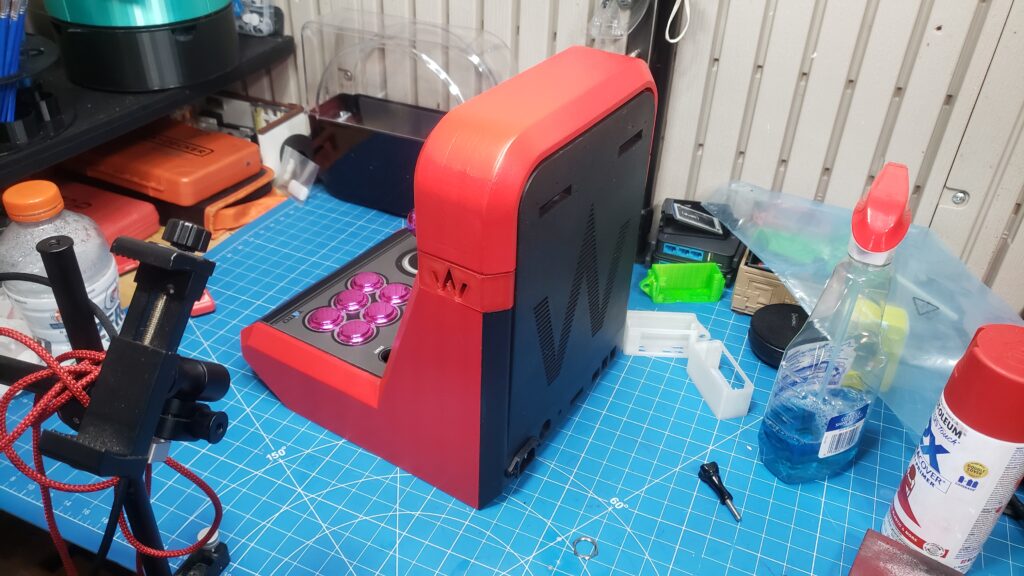
It Was Perfect.
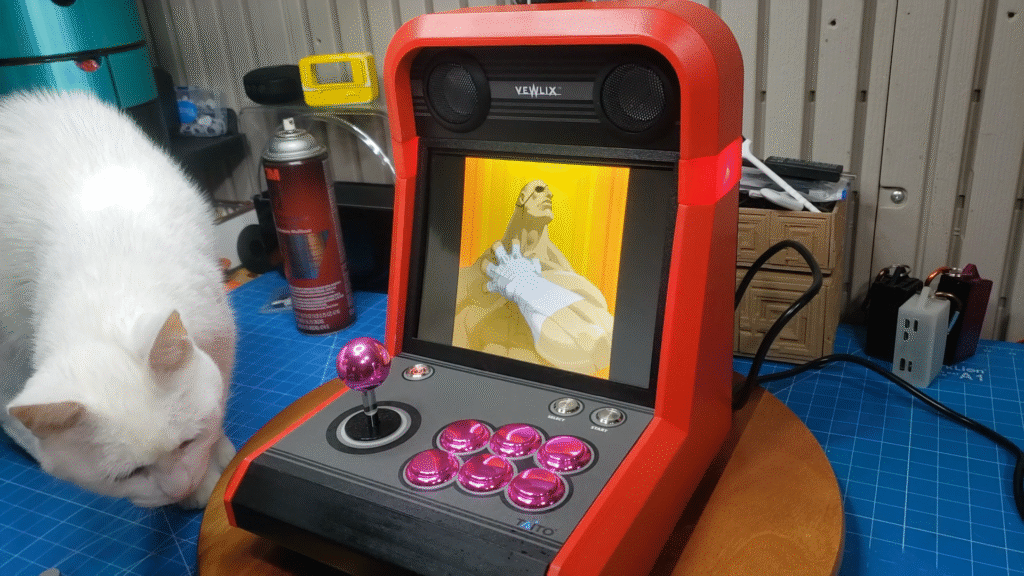
It was perfect. Which meant that it was time to experiment on it in anticipation of engineering and building a second, better Vewlix countercade…
I pulled out the amp and added a DAC but after several days of troubleshooting realized that the DAC monopolized some of the GPIO pins rendering the GPIO joystick arrangement null and void and also the solder joint stalactites on the bottom of the GPIO terminal block header shorted something on the Pi 4, frying it and so I installed a Pi 5 and reconfigured the layout including chopping up and gluing back together the back panel to accommodate HDMI out and in the meantime I ran into all sorts of Wifi problems that I eventually solved and you can read about those solutions here: https://cyberspacemanmike.com/2025/02/22/raspberry-pi-5-wifi-problems-and-solutions/ and here: https://cyberspacemanmike.com/2025/02/25/pi-5-wi-fi-die-retry-part-2-of-the-unyielding-saga-of-troubleshooting-raspberry-pi-5-wi-fi/
and with the Wifi problems solved I chopped up the case and went back to an analogue amp (I had to desolder and reconfigure the 3.5 connector) and JSAUX USB to 3.5 Audio Aux Adapter External Stereo Sound Card to free-up the GPIO pins but that didn’t work so I went back to the DAC and re-chopped up and glued back together the case and spent several hours soldering and carefully rerouting the Pi 5 USB by running wires from the test pads out the front
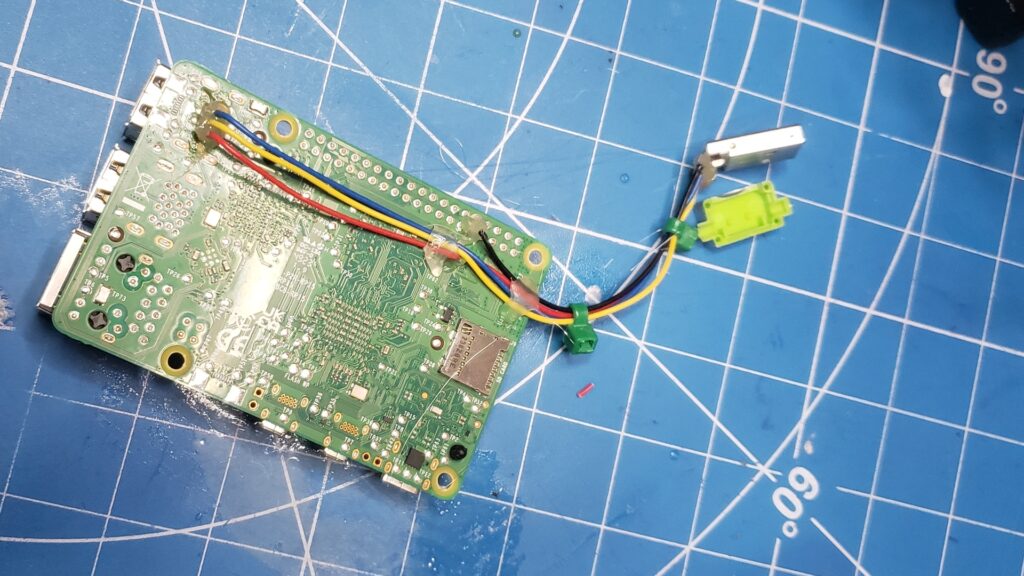
which, surprisingly worked and while I was at it added quality of life and performance features like running an SD card extension cable out the back panel for ease of access and active cooling to the case complete with a switch and nothing ever went wrong again.
To Be Continued…
Until I started building the Player 2 cab.
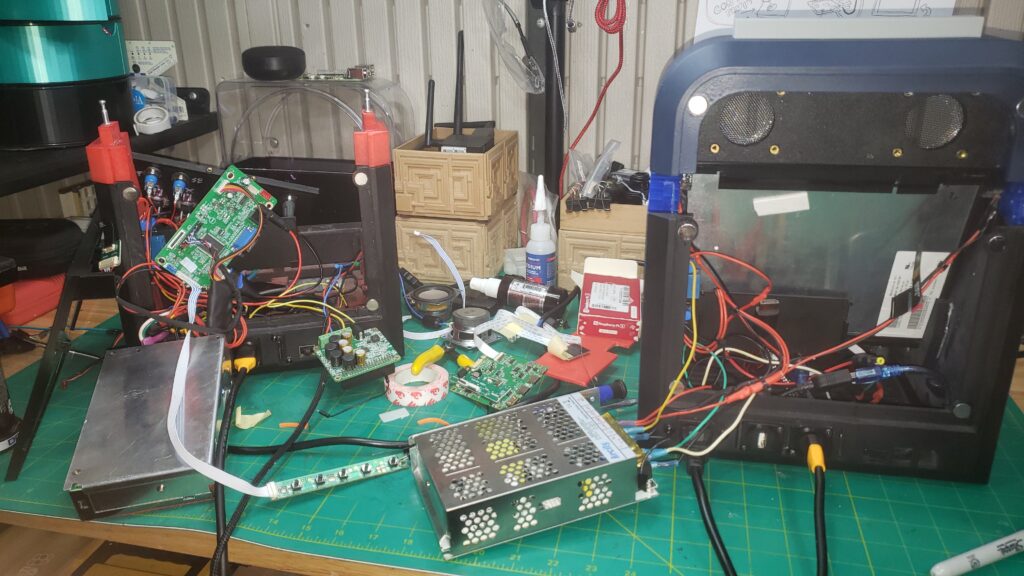
Thanks for reading, video out soon!